
Only 41% of U.S. adults said they always or often had money left at the end of the month in 2025, according to the Federal Reserve. At the same time, 35% reported higher monthly spending than a year earlier, compared with 32% whose income increased.
That gap explains why learning how to track expenses automatically can be more useful than simply promising yourself to “spend less.” Automatic tracking turns scattered purchases across checking accounts, credit cards, subscriptions, and digital payments into a clearer picture of where your money actually goes.
The technology can do most of the collection. The important part is knowing how to set it up without blindly trusting every category it creates.
What Automatic Expense Tracking Actually Does
An automated expense tracker connects to financial accounts you authorize, imports transaction information, and sorts purchases into categories such as groceries, restaurants, transportation, housing, utilities, and entertainment.
Instead of manually typing a $64 supermarket purchase into a spreadsheet, the transaction can appear automatically after it posts at your bank.
That matters because financial planning works better with actual spending rather than estimates. The Consumer Financial Protection Bureau’s spending guidance recommends reviewing several months of checking and credit-card history and specifically notes that personal financial management tools can help track spending.
The FDIC Money Smart program similarly treats tracking income and expenses as a fundamental money-management skill before building a spending and saving plan.
Automation simply removes much of the recordkeeping friction.
Which Expense Tracking Method Fits You?
Several popular U.S. budgeting services approach automation differently.
| Tool | Strongest Use | How Automation Helps | Important Limitation |
| Rocket Money | Spending and subscriptions | Imports and categorizes purchases and identifies recurring charges | Some advanced categories and rules require Premium |
| PocketGuard | Controlling discretionary spending | Organizes connected accounts and calculates money left after planned obligations | Categories still need occasional review |
| YNAB | Active budgeting | Imports transactions from linked financial institutions | Direct Import may take 24–72 hours |
| Monarch Money | Multi-account financial overview | Categorizes transactions and supports automated merchant/category rules | Unusual or custom transactions can require correction |
Rocket Money automatically assigns predefined categories after accounts are connected and detects recurring subscriptions from transaction activity.
PocketGuard combines connected accounts and organizes spending, income, bills, debts, savings, and investments while showing what remains available after planned commitments.
YNAB takes a more hands-on budgeting approach. Its Direct Import feature uses providers including Plaid and MX, but imported transactions are not necessarily immediate; posted purchases may take up to three days to appear.
Monarch Money automatically categorizes many transactions and allows users to create rules that rename merchants, change categories, add tags, or hide qualifying transactions.
The best choice is therefore not necessarily the app with the most features. It is the one whose system you will actually review.
How to Track Expenses Automatically in Five Practical Steps
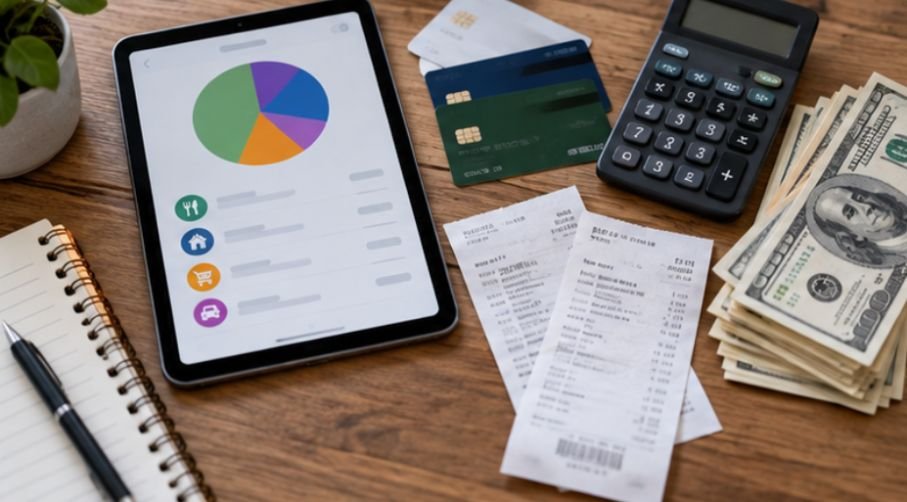
Connect the Accounts Where You Really Spend
Start with your primary checking account and major credit cards. Then add savings accounts or other accounts only if they contain transactions relevant to your household cash flow.
The goal is completeness without unnecessary complexity.
If 80% of your purchases happen through one credit card and one checking account, connecting those two accounts first provides far more value than building a complicated financial dashboard on day one.
Let the App Establish a Spending Baseline
Give the system enough transaction history to reveal recurring behavior.
The federal MyMoney.gov spending guidance recommends monitoring spending over several weeks or months because patterns become easier to recognize with time. It also specifically identifies online systems and phone apps as potential tracking tools.
Look for your average grocery spending, restaurant frequency, recurring subscriptions, transportation costs, and irregular but predictable expenses.
Do not immediately “fix” the numbers because they seem too high. First find out what you actually spend.
Correct Categories Before Making Decisions
Automatic categorization is useful, but merchant data can be misleading.
A $140 Target purchase, for example, could contain groceries, medicine, household supplies, clothing, and a birthday present. An app may simply classify the entire transaction as shopping.
Correct significant mistakes and create recurring rules when the same merchant repeatedly appears in the wrong category.
The objective is not accounting-level perfection. It is an accurate enough picture to influence decisions.
Prevent Transfers From Becoming Fake Spending
One of the easiest ways to distort automatic tracking is counting the same money twice.
Suppose you purchase $500 on a credit card. The tracker records those purchases as expenses. Later, you transfer $500 from checking to pay the card.
If the payment is also treated as an expense, your dashboard may incorrectly show $1,000 of spending.
Good finance apps normally identify internal transfers and credit-card payments separately, but reviewing them remains worthwhile. Rocket Money, for example, specifically categorizes transfers so money moving between your own accounts does not inflate spending totals.
Schedule a Ten-Minute Weekly Review
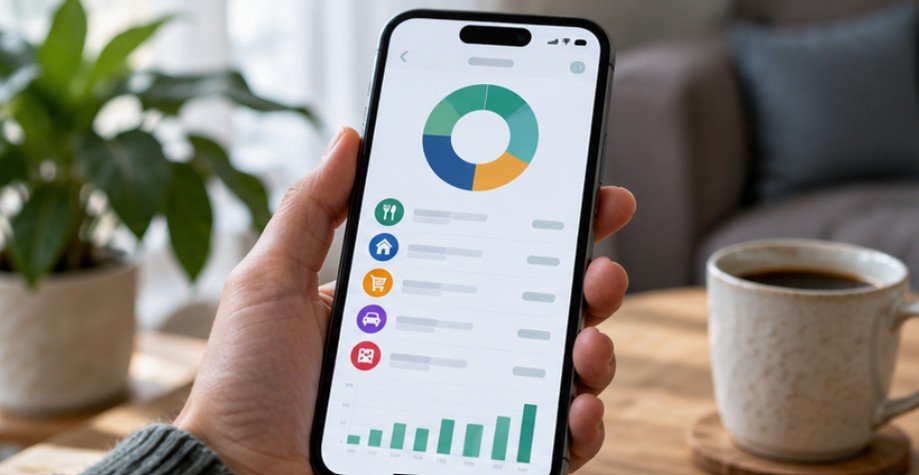
Automation works best when it eliminates data entry, not awareness.
Once a week, scan for uncategorized transactions, duplicate charges, unusually large purchases, new subscriptions, missing cash spending, reimbursements, and disconnected bank accounts.
Utah State University Extension notes that budgeting goes beyond merely recording expenses; frequent interaction with your finances can improve awareness of spending behavior.
That short review turns a passive tracker into a decision-making tool.
What Automatic Tracking Still Misses
Cash remains the obvious blind spot. If you withdraw $200 from an ATM, the app knows $200 left your bank account, but it does not know whether you spent it on groceries, parking, entertainment, or something else.
Shared expenses can also create confusing data. If you pay a $120 dinner bill and friends later reimburse you $80, the original purchase may initially make your restaurant spending look unusually high.
You can use passive income ideas using technology to create additional income and improve your overall financial flexibility.”
Pending transactions, refunds, tips added after authorization, annual insurance payments, and purchases from mixed-category retailers can create similar problems.
For that reason, automatic does not mean maintenance-free.
Is Linking a Bank Account to a Budgeting App Safe?
Treat financial-data access as a serious permission.
The CFPB explains that budgeting services may receive ongoing access to bank and credit-card information, often through a separate data aggregator. Consumers should understand what information is collected, how it is used, and how access can be revoked.
Before connecting an account, review the company’s privacy policy, security practices, data-retention rules, multi-factor authentication options, and procedure for deleting your information.
The broader U.S. financial-data landscape is also changing. The CFPB has been developing rules covering consumer access to financial data and authorized third-party access, although implementation has faced regulatory and court developments.
For additional perspective on household finances, the Federal Reserve’s 2026 household financial well-being report provides current data on American income and spending patterns.
A Simple Test: Is Your Tracker Actually Helping?
After one full month, ask three questions.
Can you name your three largest flexible spending categories? Can you identify at least one recurring charge you could reduce or cancel? Can you explain roughly why your bank balance changed during the month?
If the answer is no, collecting more transactions will not solve the problem. Simplify your categories, improve your transaction rules, or switch to a system that presents spending more clearly.
The goal is insight, not a prettier dashboard.
Frequently Asked Questions
1. Can my bank automatically track my expenses?
Many U.S. banks and credit unions include spending summaries or category tools in online banking. Features vary, so compare your institution’s built-in tools with dedicated budgeting apps before paying for another service.
2. How accurate is automatic expense categorization?
It is usually useful but not perfect. Mixed purchases, unusual merchants, transfers, reimbursements, and cash transactions can be misclassified, which is why a short weekly review is important.
3. Do I need to connect every financial account?
No. Begin with accounts responsible for most everyday spending. Add others only when they materially improve your understanding of household cash flow.
4. Can I track expenses automatically without a budgeting app?
Yes. Bank and credit-card dashboards may provide automatic transaction histories and spending categories. You can also periodically export transaction data into spreadsheet software for additional analysis.
Make Automation Do the Recording, Not the Thinking
The biggest advantage of how to track expenses automatically is not that technology creates perfect categories. It is that you no longer have to reconstruct an entire month of spending from memory.
The same approach can help you automate savings and build wealth by making good financial habits happen consistently.
Connect the accounts that matter, establish a realistic baseline, fix important categorization errors, separate transfers from genuine expenses, and spend a few minutes reviewing the results each week. Over time, the numbers become more than a transaction history. They show which habits are consuming your income and which changes could create breathing room. Automation should make your finances easier to see—not easier to ignore.