
Smart homes can make everyday life easier, but they quickly become frustrating when devices drop offline, batteries die too fast, or automations start behaving unpredictably. In my experience, most common smart home problems and solutions come back to Wi-Fi, compatibility, power, software, or security.
For US homeowners using Alexa, Google Home, Apple Home, smart locks, cameras, thermostats, and connected lighting, I recommend troubleshooting the problem in a logical order instead of replacing hardware too soon.
Why Do My Smart Home Devices Keep Disconnecting From Wi-Fi?
Wi-Fi congestion and poor range are among the most frequent smart home connectivity issues. If my devices suddenly show as offline, respond slowly, or refuse to connect, I first check the router location and wireless signal.
A router hidden inside a cabinet, basement corner, or behind large appliances may struggle to provide reliable coverage. I prefer placing it in a central, elevated position. In larger US homes, a mesh Wi-Fi system can provide stronger coverage across multiple rooms and floors.
Many smart bulbs, plugs, sensors, and switches use 2.4 GHz because it reaches farther through walls. When supported, I keep bandwidth-heavy devices such as smart TVs and some security cameras on 5 GHz. In a device-heavy home, creating a dedicated 2.4 GHz IoT network can also reduce congestion and make smart home troubleshooting easier.
Why Won’t Smart Devices From Different Brands Work Together?

Device incompatibility is another common frustration. One product might work with Amazon Alexa but not Apple Home, while another may require a proprietary hub before it communicates with other devices.
I always check compatibility before buying. Amazon Alexa, Google Home, and Apple Home can act as central smart home controllers for many brands. Matter-compatible accessories can also improve interoperability between supported ecosystems.
Matter makes cross-platform setup easier, but it does not guarantee that every device feature will work identically across every platform. I also check whether a product uses Wi-Fi, Zigbee, Thread, or another smart home protocol because I may need a compatible hub or Thread border router.
Why Are My Smart Home Device Batteries Draining So Fast?
Rapid battery depletion commonly affects smart locks, wireless cameras, doorbells, and sensors. Weak wireless signals can force some devices to communicate more frequently, while constant motion detection, long video recordings, cold outdoor temperatures, and excessive notifications can increase power consumption.
I check signal strength first. Moving a device closer to the router or hub can sometimes improve both reliability and battery life.
For cameras and motion sensors, I also adjust sensitivity and recording settings so the device does not activate unnecessarily. Lithium batteries may last longer in some smart home products, especially in demanding conditions, but I only use them when the manufacturer specifically supports that battery type and voltage.
Why Do My Smart Lights Turn On or Off by Themselves?
Random or “ghost” activity usually has a logical explanation. Forgotten automations, sunrise or sunset schedules, motion sensors, geofencing, and accidental voice commands can all cause lights or other devices to activate unexpectedly.
I check routines in Alexa, Google Home, Apple Home, and the manufacturer’s own app because duplicate automations are surprisingly easy to create.
If the random activity continues, I temporarily disable the routines and control the device manually. That simple test helps me determine whether I am dealing with faulty hardware or an automation problem.
Why Is Alexa, Google Home, or Siri Not Controlling My Devices?
If a smart device works through its manufacturer’s app but Alexa, Google Home, or Siri cannot control it, I focus on the integration rather than the device itself.
I confirm that the connected account is still authorized, refresh the smart home service, and make sure the device appears online.
Device names also matter. Calling several products “lamp” or “light” can confuse voice assistants. I prefer descriptive names such as “bedroom desk lamp” or “kitchen island lights,” which make voice commands and routines more reliable.
Why Are My Smart Home Automations Not Working?
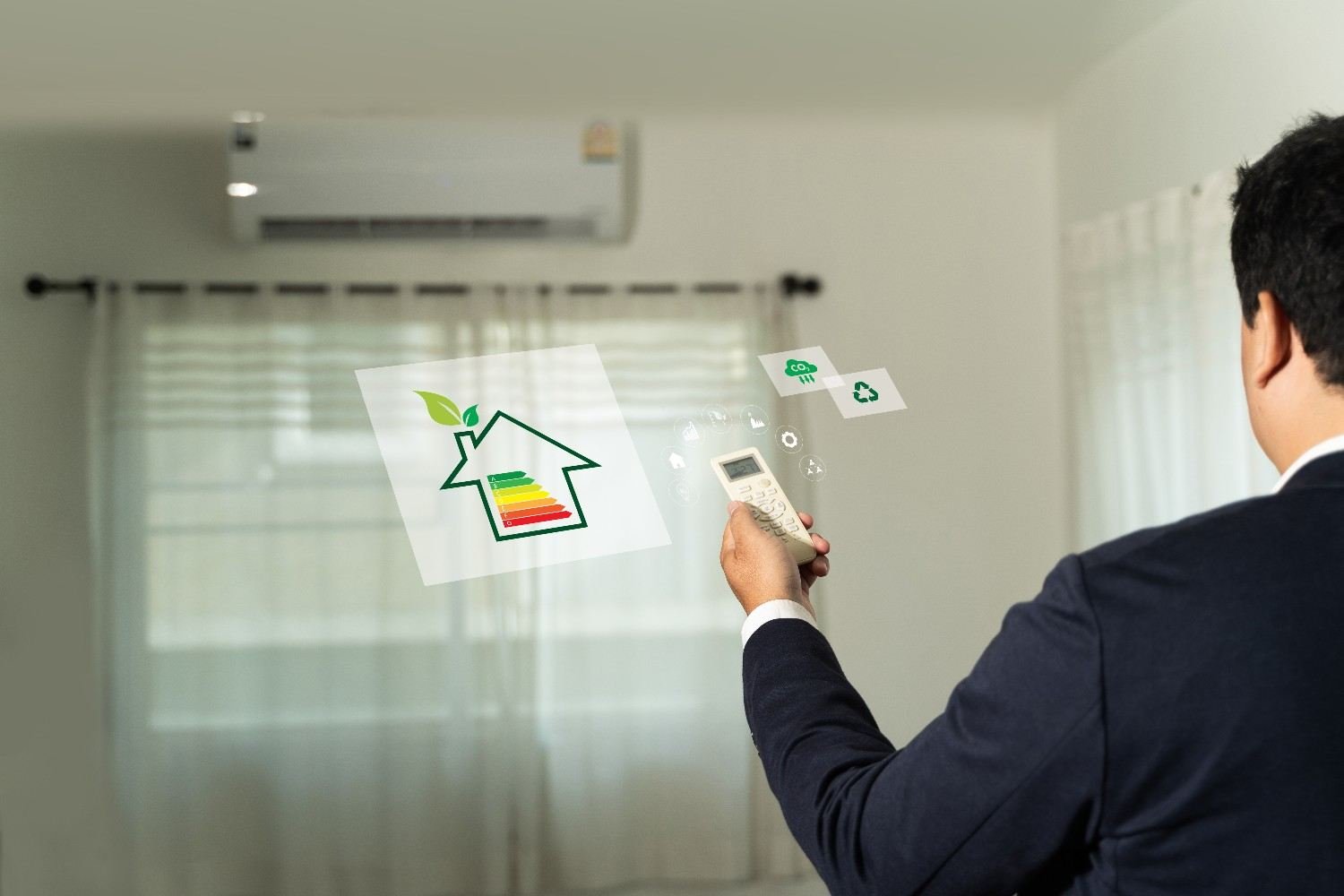
Smart home automation problems can appear after Wi-Fi changes, app updates, permission changes, device replacements, or sensor failures.
I troubleshoot each step independently. If a motion sensor should switch on a hallway light, I first confirm that the sensor detects motion. Then I test whether the light responds manually.
I also check time zones, location permissions, and scheduled routines. In the US, daylight saving time changes can expose incorrectly configured schedules.
This step-by-step approach makes common smart home problems and solutions easier to diagnose because it reveals exactly where the automation chain has failed.
Why Isn’t My Smart Camera Recording or Sending Alerts?
If my camera provides a live view but stops recording, I check local storage, cloud subscription status, motion zones, and recording settings.
When recordings work but alerts do not, notification permissions are often responsible. I check both the camera app and my phone settings.
Outdoor security cameras can also experience Wi-Fi problems because exterior walls and distance weaken the signal. If several cameras disconnect at once, I investigate the router or internet connection before resetting individual cameras.
Why Is My Smart Lock or Thermostat Not Responding?
For smart locks, weak batteries are one of my first checks. A lock may still appear inside an app even when the batteries no longer provide enough power for reliable operation.
Smart thermostats can experience different problems, including HVAC power and wiring issues. If a thermostat repeatedly loses power or displays wiring errors, I prefer having a qualified HVAC professional inspect the system rather than experimenting with electrical connections.
Can Outdated Firmware Create Security Problems?
Yes. Outdated firmware can cause connection failures, compatibility problems, and security vulnerabilities.
I keep smart cameras, routers, hubs, locks, thermostats, and other connected devices updated whenever practical. I also change factory-default passwords, use strong, unique passwords, and enable two-factor authentication when the manufacturer offers it.
Regular software patches are particularly important for internet-connected cameras and security devices.
If problems begin immediately after a firmware update, however, I check the manufacturer’s support information before repeatedly resetting the product.
When Should I Factory Reset a Smart Device?
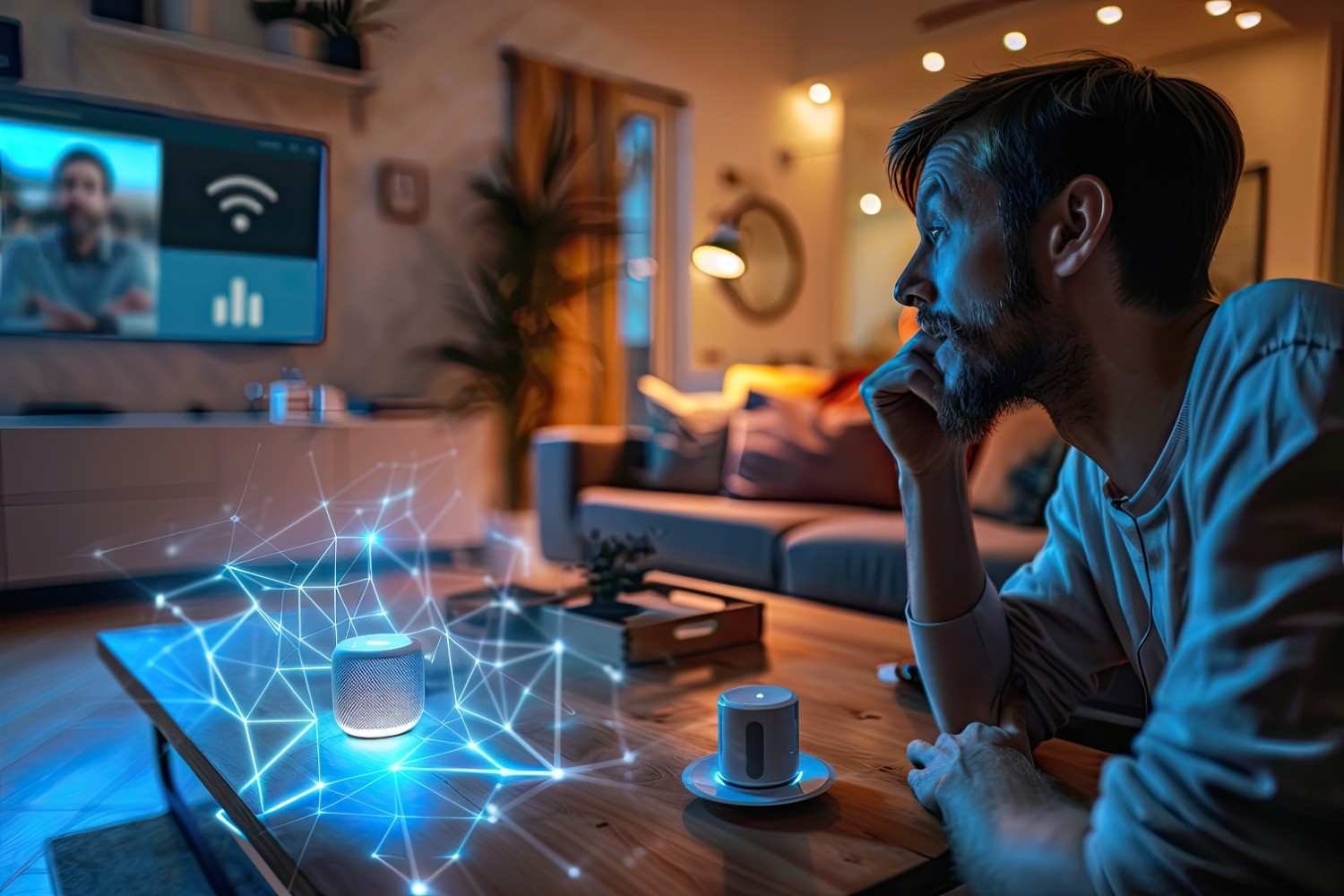
I treat a factory reset as a final troubleshooting step.
Before resetting anything, I check power, Wi-Fi connectivity, batteries, firmware, app settings, account connections, and automations. If several devices fail at the same time, I investigate the router, hub, internet connection, or cloud service first.
Resetting too early can erase schedules, routines, and preferences without addressing the real cause of the problem.
FAQs About Smart Home Troubleshooting
1. What is the most common problem with smart home devices?
Wi-Fi and connectivity failures are among the most frequent issues. Weak signals, congested networks, router changes, internet outages, and incompatible wireless settings can all cause devices to appear offline.
2. Should smart home devices use 2.4 GHz or 5 GHz Wi-Fi?
Many smart home devices use 2.4 GHz because it offers longer range and better wall penetration. Higher-bandwidth products may support 5 GHz as well, so I always check the manufacturer’s specifications.
3. Can Matter solve smart home compatibility problems?
Matter can improve interoperability between supported devices and platforms, but it does not make every device or feature universally compatible.
4. How can I tell whether one device or my entire smart home is failing?
If only one product stops responding, I investigate that device first. If several devices fail simultaneously, I check the router, internet service, hub, or cloud platform.
Final Thoughts
I get the best results when I troubleshoot smart technology in layers: power, Wi-Fi, device, manufacturer app, hub, automation, ecosystem, and cloud service. This method helps me address common smart home problems and solutions without wasting money replacing equipment that may still work perfectly. I also review practical voice assistant tips and tricks because incorrect commands, disconnected integrations, or poorly configured routines can sometimes make a working device seem faulty.
Reliable Wi-Fi, compatible devices, healthy batteries, current firmware, sensible automations, and strong account security prevent many smart home issues before they begin. When something does fail, identifying the real cause first usually provides the fastest, cheapest, and least frustrating solution.