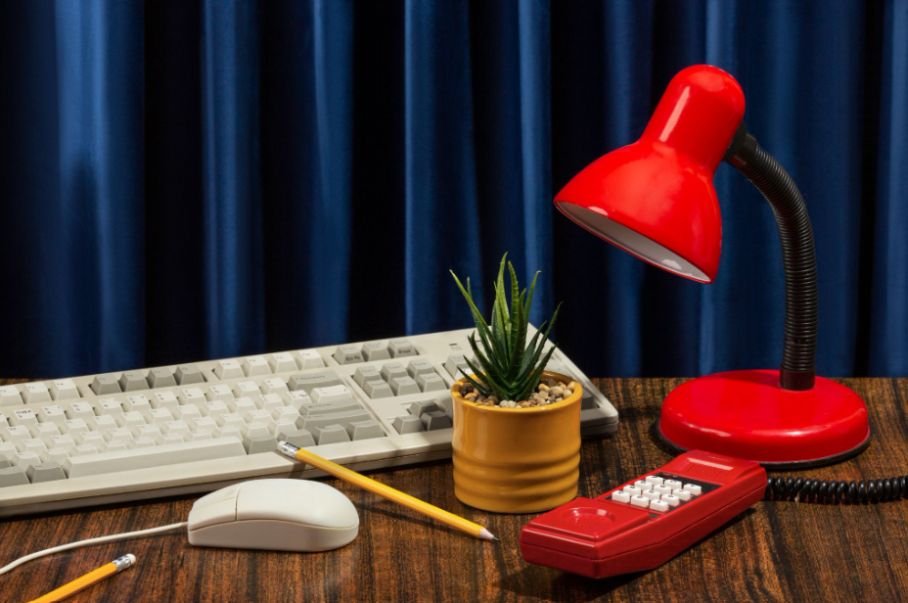
A productive desk should help me work comfortably without making the space feel complicated. For a US home office or hybrid workstation, I focus on upgrades that reduce friction: better screen height, cleaner cables, smarter charging, and lighting that does not fight the display.
The best desk setup accessories for productivity are not necessarily the most expensive products; they are the ones that solve a problem I face repeatedly.
What Makes a Desk Accessory Worth Buying?
I start with ergonomics and workflow before aesthetics. OSHA recommends keeping the top of a monitor at or slightly below eye level and placing frequently used devices within easy reach. NIOSH (The National Institute for Occupational Safety and Health) also advises keeping wrists neutral and reducing screen glare.
Start With a Gas-Spring Monitor Arm
A gas-spring monitor arm lets me raise, lower, tilt, and pull the display closer while freeing the space beneath it. That can improve screen positioning and reclaim room for a notebook, dock, or organizer.
I always check monitor weight, size, and VESA compatibility before buying. For dual-monitor setups, an adjustable arm also makes it easier to create a cleaner, more symmetrical viewing arrangement.
Pair a Laptop Stand With Better Input Devices
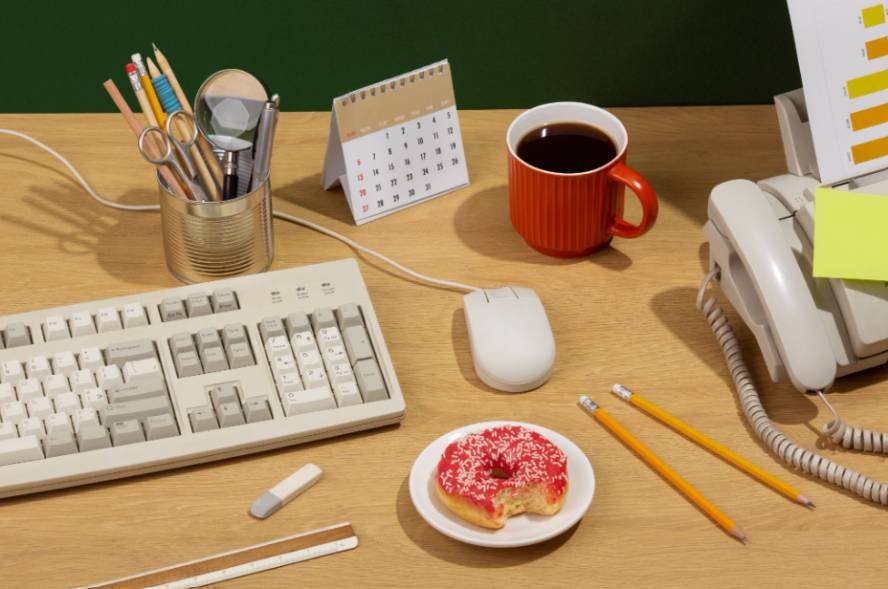
A laptop stand raises the screen, but I would not use one alone for an all-day workstation. NIOSH recommends external input devices when a laptop serves as a primary computer because the display and built-in keyboard cannot both sit in ideal positions at the same time.
I pair the stand with an ergonomic wireless mouse and separate keyboard. For the mouse, I prefer a sculpted shape, programmable buttons, and a thumb wheel for horizontal navigation in spreadsheets, design applications, and editing timelines. High-precision sensors that work on glass can also be useful if I regularly move between workspaces.
A low-profile mechanical keyboard is another smart upgrade. Quiet tactile switches can provide crisp feedback without becoming distracting during Zoom or Teams calls. Multi-device pairing also makes it easier to switch among a Windows PC, MacBook, tablet, or work laptop.
Improve Eye Comfort With Smarter Desk Lighting
An asymmetrical monitor light bar gives me focused task lighting without taking up valuable desk space. Its optics direct light downward across the keyboard and work surface rather than toward the display, helping minimize distracting reflections.
OSHA recommends reducing glare from windows, overhead fixtures, and desk lamps because excessive glare can contribute to eye strain and awkward viewing positions.
I also like soft, smart ambient lighting behind the monitor. This type of setup is one example of smart home ideas without renovation, since smart lighting can improve a workspace without changing fixtures, wiring, or the room itself.
In a darker room, backlighting can contrast a bright display and its surroundings feel less harsh while creating a more comfortable evening workspace.
Choose the Right Desk Mat Material
A desk mat defines the work zone, protects the tabletop, and can soften keyboard and mouse noise.
Merino wool felt desk pads provide tactile warmth and cushioning, making them a strong choice for a comfortable home office. They also create the premium, structured look that has become popular in modern desk setups.
Vegan-leather desk mats are smoother, water-resistant, and easier to wipe clean. They also provide a consistent surface for mouse movement, which makes them practical for busy home offices where coffee and snacks regularly share desk space.
Consolidate Power With a Multi-Port GaN Charger
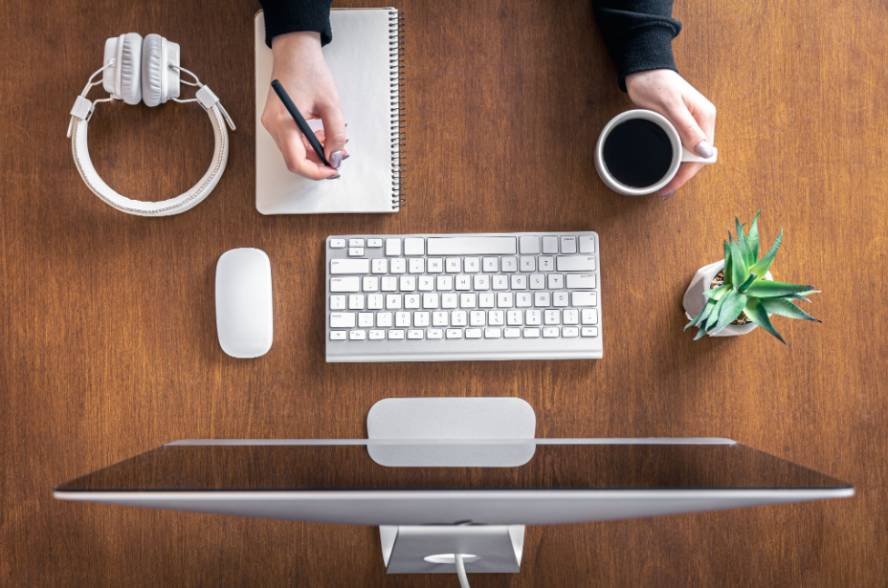
A multi-port GaN fast charger can replace several charging bricks by powering a laptop, phone, earbuds, and other USB-C devices from one compact unit, provided the charger’s total output matches your devices.
Gallium nitride power electronics can support high power density, helping make compact power-conversion hardware possible. The practical desk benefit is simpler charging and fewer bulky adapters competing for outlets.
For US buyers, I recommend checking total wattage rather than looking only at the number of ports. A charger may advertise several USB-C outputs but divide its maximum power when multiple devices connect simultaneously.
Hide Cable Clutter Under the Desk
An under-desk cable management tray keeps power strips, charger bricks, and excess cords away from the work surface. I pair it with reusable ties or cable clips so only the cable length I need reaches each device.
For a standing desk, I leave enough cable slack for the full height range so nothing pulls tight when the desk rises.
This is one of those inexpensive workspace organization upgrades that can make an entire setup look more intentional.
Add a USB-C Hub or Docking Station
A USB-C hub suits portable setups, while a docking station works better when I regularly connect monitors, Ethernet, external storage, SD cards, and charging at one desk.
I check display support, power delivery, operating-system compatibility, and available ports before buying. A good dock can turn a laptop into a desktop workstation with one connection and eliminate the routine of plugging in several cables every morning.
Use Small Accessories Without Crowding the Desk
Not every productivity upgrade needs to be expensive or electronic.
A compact desk organizer can hold pens, sticky notes, adapters, and other daily essentials, while an under-desk drawer keeps less-used items hidden. A headphone hook saves more workspace than a freestanding headphone stand, and a small monitor or desk shelf creates vertical storage without expanding the desk footprint.
A footrest can help when my chair height is correct, but my feet do not rest comfortably on the floor. A wireless charging pad keeps everyday devices in one charging zone, while a physical timer can support Pomodoro sessions or time blocking without pulling me back into phone notifications.
Which Desk Upgrades Should You Buy First?

I always start with whatever interrupts work most often. Poor screen positioning points to a monitor arm or laptop stand, while wrist discomfort may justify better input devices. Following practical ergonomic tips and posture guidelines can also help me position my screen, keyboard, chair, and accessories more comfortably for long work sessions.
Constant cable swapping suggests a dock, visible clutter calls for cable management, and weak task visibility points toward better lighting. For most US home-office users, ergonomics, lighting, cable control, reliable connectivity, and accessible charging provide more practical value than decorative gadgets.
These priorities also overlap with smart home upgrades for renters, where portable lighting, smart plugs, and other low-modification devices can improve a workspace without permanent changes.
Frequently Asked Questions
1. What desk accessory should I upgrade first?
Fix the biggest daily friction point first. For many people, that means monitor positioning, keyboard and mouse comfort, lighting, or cable organization before spending money on decorative additions.
2. Is a mechanical keyboard actually better for productivity?
It can be, depending on your typing preference. Low-profile mechanical keyboards can provide responsive feedback and useful multi-device controls, but comfort and familiarity matter more than the switch type alone.
3. Is a monitor light bar better than a desk lamp?
A monitor light bar works particularly well when desk space is limited, and you mainly need light over the keyboard and work surface. An adjustable desk lamp offers more flexibility for reading documents, writing, drawing, and other off-screen tasks.
4. How can I improve a small desk without spending much?
I would improve monitor height, cable placement, lighting direction, and clutter first. After that, add one accessory at a time according to the specific problem it solves.
Final Thoughts
A high-performing workstation is not a showroom filled with gadgets. I get better results by choosing a few tools that improve comfort, reduce visual clutter, support better lighting, and remove repetitive setup steps.
When I evaluate the best desk setup accessories for productivity, I prioritize practical impact over trendiness. The right combination of ergonomic hardware, smart dual illumination, organized charging, tactile desk protection, and cleaner cable management can create a workspace that feels easier to use and easier to focus in every day.