

Voice assistants have become far more useful than tools for checking the weather or setting a single alarm. I use them to manage reminders, control smart-home devices, find my phone, organize routines, and handle quick tasks without reaching for a screen.
For busy US households, learning a few voice assistant tips and tricks can make Alexa, Siri, Google-powered assistants, and other voice tools faster, more accurate, and more practical.
How Can I Make My Voice Assistant Understand Me Better?
One of the easiest improvements is to pause briefly after the wake word. I say “Alexa” or “Hey Google,” wait a fraction of a second for the device to respond, and then give the command. That small pause can prevent the first word of my request from getting clipped.
I also get better results when I speak in clear tasks instead of vague ideas. “Set a 10-minute pasta timer” works better than “help me with dinner.”
If my assistant repeatedly misunderstands me, I check its voice-recognition settings. Google’s Voice Match and similar voice-training features can help the device relearn how I speak. I also avoid placing a smart speaker next to a loud television or appliance, and I use simple device names such as “Bedroom Lamp.”
What Voice Commands Save the Most Time Every Day?

The most useful commands solve small problems immediately. I use reminders while my hands are busy, add groceries to a shopping list, check tomorrow’s weather, and ask what is next on my calendar.
Named timers are especially useful. Instead of setting several anonymous timers while cooking, I can create a “rice timer,” “broccoli timer,” or “laundry timer.”
I also like the lost-phone feature. If my phone disappears under a couch cushion or in another room, a compatible smart speaker can help make it ring. That turns an annoying search into a simple voice command.
These practical voice assistant tips and tricks work because they replace repeated taps, searches, and app switching with short spoken requests.
How Do I Create Voice Assistant Routines That Actually Help?
Routines let me trigger several actions with one phrase. A morning routine might turn on lights, adjust a compatible thermostat, read my calendar, provide a weather update, and start a news briefing.
A “Good Night” routine can turn off lights, lock compatible doors, lower the thermostat, and play relaxing audio. I recommend starting with one routine tied to something I already do every day.
Grouping smart-home devices by room also makes commands more natural. Matter-compatible products may help reduce ecosystem friction when the devices and platforms involved support the standard.
Can a Voice Assistant Improve Productivity at Home and Work?
Yes. I get more value when I treat voice control as a hands-free productivity tool rather than just entertainment. I can dictate short notes, create reminders, set focus timers, check meetings, and capture tasks before I forget them.
Voice control also extends beyond smart speakers. Windows 11 includes Voice Access, an accessibility feature that can help users navigate the computer, interact with on-screen elements, and dictate text using speech.
That can make voice technology useful not only for convenience but also for accessibility, hands-free work, and situations where using a keyboard or mouse is difficult.
How Can I Use Voice Assistants for Smart Home Control?

Depending on compatibility, I can control lights, plugs, thermostats, televisions, speakers, cameras, and locks without opening separate apps.
I keep commands simple and give devices obvious names. Calling a light “Living Room Lamp,” for example, is much easier than remembering a generic device name.
I also avoid automating everything at once. Lights, temperature, music, and basic routines are usually the best place to start.
For US homeowners and renters adding smart devices gradually, this approach also makes it easier to troubleshoot problems because I know which automation or device caused the issue.
How Do I Protect My Privacy When Using Voice Assistants?
Convenience should not mean ignoring privacy. I review microphone settings, voice history, purchasing permissions, connected accounts, and household profiles when I set up an assistant.
I also check who can control smart locks, make purchases, access calendars, or use calling features. These settings become especially important in homes with children, roommates, or frequent guests.
Many smart speakers include a physical microphone mute control, and I use it when I do not want the device listening for its wake word. I also review stored voice activity periodically instead of assuming the default privacy settings match my preferences.
Which Voice Assistant Is Best for My Home?
I choose based on the ecosystem I already use.
Alexa can fit naturally into homes with Echo devices and compatible smart-home products. Siri makes sense for people invested in Apple products such as the iPhone, Apple Watch, and HomePod.
Google Assistant and newer Gemini-powered home experiences can appeal to households already using Google services and Nest hardware.
The best choice is not necessarily the assistant with the longest list of features. I prefer the one that works smoothly with the devices, apps, and services I already rely on.
What Voice Assistant Mistakes Should I Avoid?
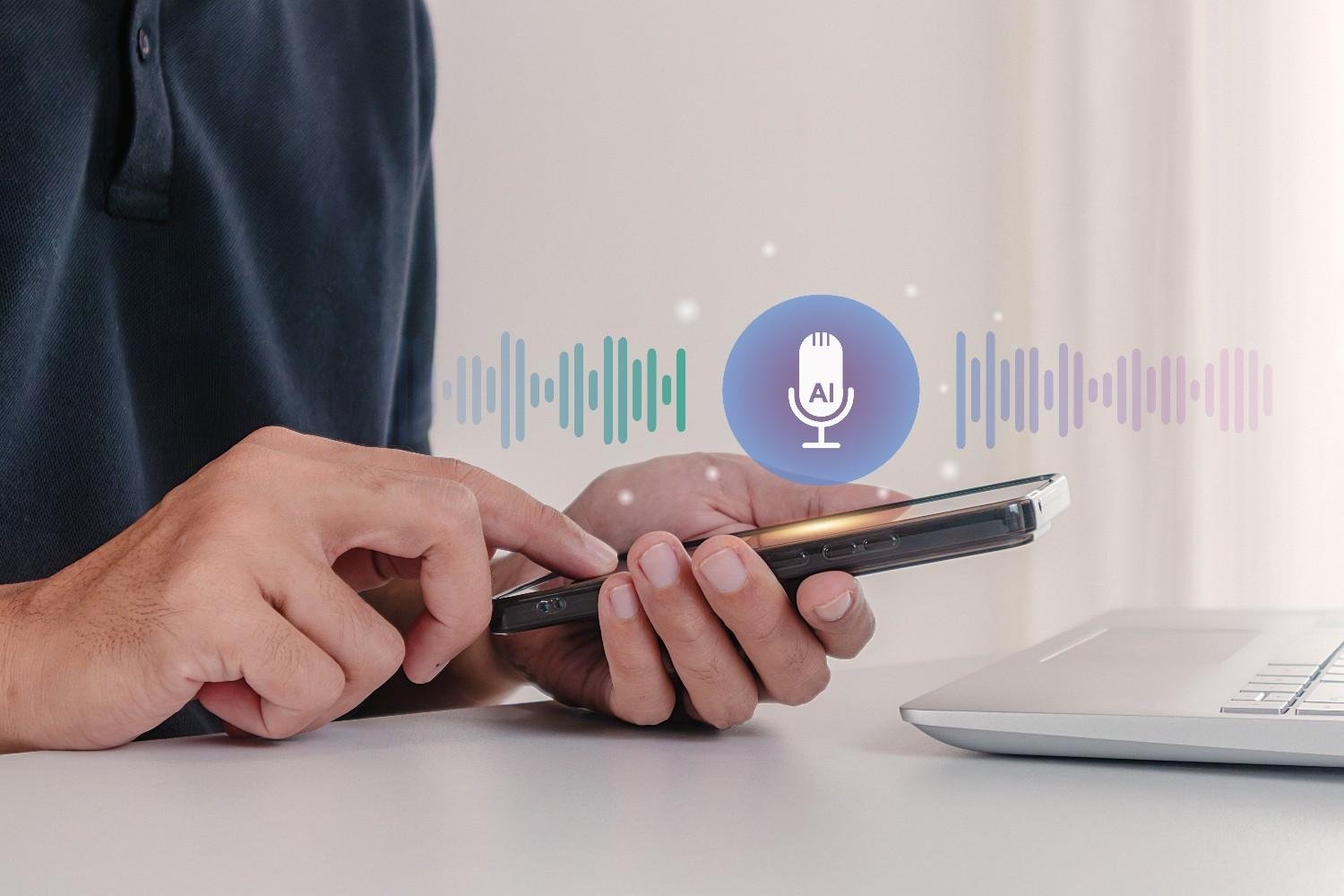
One mistake I avoid is giving vague commands. Assistants usually respond better when I ask for one specific action.
Another common problem is poor device naming. Similar names can cause the wrong light, plug, or speaker to respond.
I also avoid building complicated routines before testing basic commands. Starting small makes it much easier to spot connection, compatibility, or voice-recognition problems.
Finally, I treat purchases, smart locks, account information, and other sensitive actions differently from simple commands such as playing music or setting timers. Extra authentication and carefully reviewed permissions are worth the effort.
Frequently Asked Questions (FAQs)
1. Why Does My Voice Assistant Keep Misunderstanding Me?
Background noise, unclear device names, speaking too quickly after the wake word, and an outdated voice model can all cause problems. Moving the speaker, using clearer phrasing, and retraining voice recognition can improve accuracy.
2. Can I Use a Voice Assistant to Control My Computer?
Yes. Windows 11 Voice Access supports hands-free navigation and dictation. Other platforms also provide accessibility and voice-control features, although capabilities vary by device.
3. Are Voice Assistants Safe for Smart-Home Control?
They can be, when I review permissions, protect purchases and sensitive devices, manage voice history, and use strong account security.
4. What Are the Most Useful Voice Assistant Features?
I find reminders, named timers, routines, shopping lists, smart-home controls, calendar access, music, weather updates, phone-finding tools, and hands-free productivity features the most useful.
Final Thoughts
I get the most value from voice technology when I use it to remove small interruptions from my day. Clear phrasing, a short pause after the wake word, named timers, useful routines, voice retraining, smart-home organization, and privacy controls all make a noticeable difference. These features can also support affordable home automation ideas by helping me control compatible lights, plugs, thermostats, and other devices without investing in an expensive system.
The best voice assistant tips and tricks are not flashy commands I use once. They are repeatable habits that save time, improve accuracy, and make hands-free technology genuinely useful in everyday life.















2 thoughts on “Voice Assistant Tricks That Make Everyday Tasks Easier”