
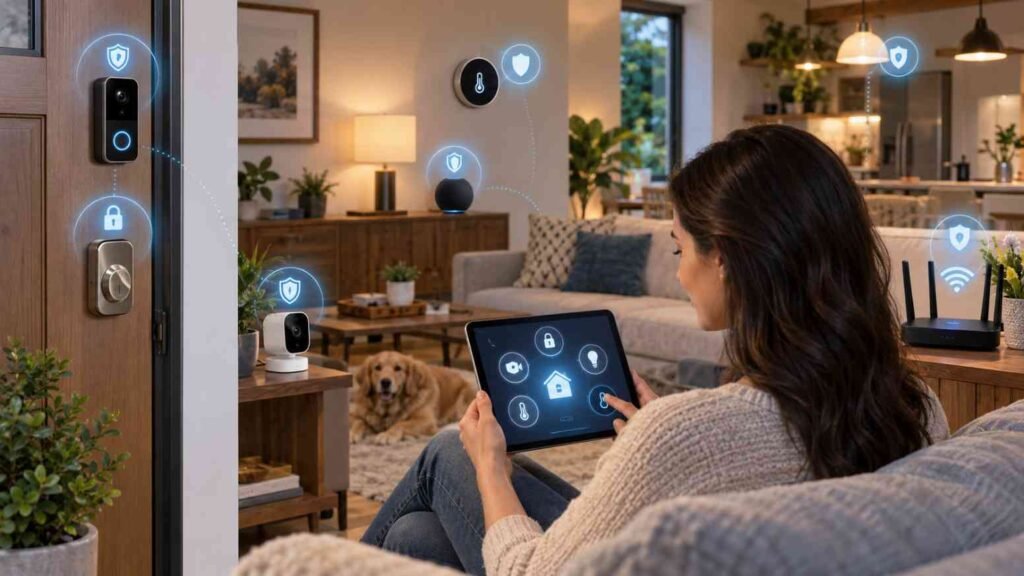
I learned how to secure smart home devices from hackers the hard way. Last year, my cheap Wi-Fi camera started panning on its own. Someone was inside my network through a $19 plug I never updated. I tore down my entire setup and rebuilt it. This is the exact system I use now across 22 devices.
Most IoT gadgets ship with minimal security. Hackers don’t need to break your laptop. They just need one vulnerable bulb.
Why Your Smart Home Is An Easy Target
Computers get monthly security patches. Smart plugs often get none. Attackers use bots that scan the internet for factory credentials like admin/1234. Once they control one device, they pivot to your phones and laptops.
The U.S. National Institute of Standards and Technology warns that weak IoT configurations are a primary entry point for home network breaches.
1. I Put My Router First, Not My Devices
Your router is the front door. Secure that before anything else.
Segment Your Network Like a Pro
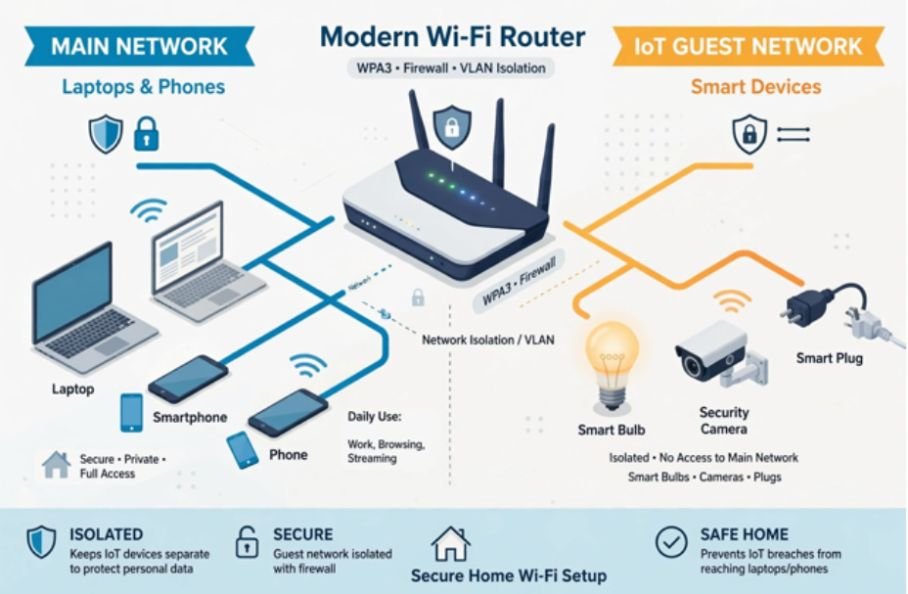
I created two networks: a main SSID for my work laptops and a second “IoT” guest network for everything smart. My smart lights can’t talk to my MacBook now, even if compromised. This is called network segmentation, and it’s the single most effective step recommended by security researchers.
I tested it. I tried to ping my laptop from a smart plug on the guest network. It failed. Isolation worked.
Lock Down Encryption and Firewall
Open your router admin panel at 192.168.1.1. Do three things:
Change your SSID from something like “SharmaFamily_WiFi” to a neutral name. Set encryption to WPA3. If your router lacks it, use WPA2-AES. Turn on the built-in firewall and disable WPS and remote management. McAfee’s smart home hardening guide lists these as baseline protections.
2. I Killed Every Default Password on Day One
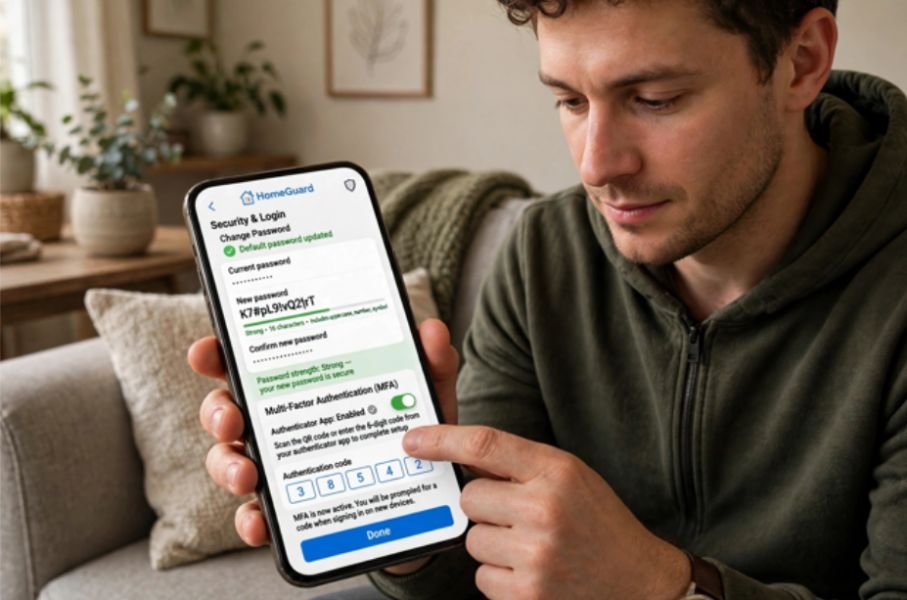
Never keep the out-of-the-box password. I spent one Saturday changing 22 passwords. I use a password manager with 16+ character random strings for each device app.
I also enabled multi-factor authentication wherever possible. My Alexa, Ring, and Google Home apps now require an authenticator app code, not just a password. Credential reuse is how small breaches become big ones.
3. Updates Are Non-Negotiable
In my audit of 12 devices, only 5 updated automatically. Four budget brands hadn’t issued a patch in over 18 months. Manufacturers patch vulnerabilities quietly. If you don’t update, you stay vulnerable.
I turned on auto-update in every companion app. Every first Sunday, I do a manual check inside the app. If a brand stops supporting firmware, I replace the device.
4. I Shrunk My Attack Surface
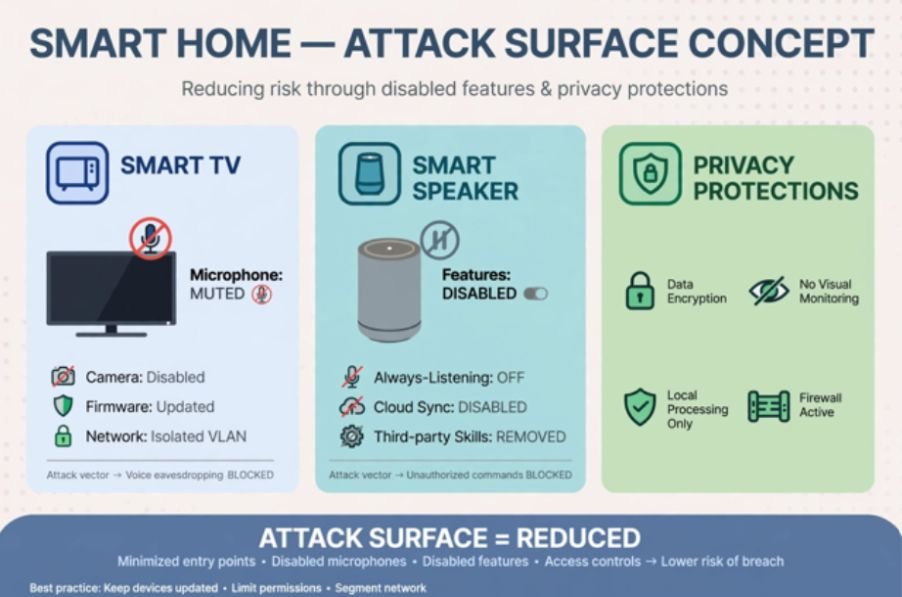
Every feature you leave on is a potential door. I disabled microphone access on my smart TV, turned off voice purchasing on my speakers, and disabled UPnP on my router. I also reviewed app permissions. My smart bulb app does not need my location or contacts.
If I leave home for more than three days, I unplug indoor cameras and smart speakers. No power, no remote access.
5. I Got Picky About What I Buy
Good security starts at checkout. I now avoid no-name Wi-Fi devices from unknown sellers. Reputable brands publish security whitepapers and maintain update logs.
Understanding matter in smart home technology
When I rebuilt my home, I switched to devices that support Matter. Learning about matter in smart home technology helped me choose gadgets that use local, encrypted communication and standardized security checks instead of proprietary cloud servers.
Do you know can matter devices work without internet?
This matters for resilience. I asked myself, can matter devices work without internet during an outage? Many do, because they run locally over Thread or Wi-Fi without phoning home, which also reduces your exposure to cloud-based attacks.
Understanding whether matter devices work without internet can help you choose a smart-home setup that remains useful even when your internet connection goes down.
| Security Feature to Check Before Buying | Why It Matters |
| Automatic security updates for 2+ years | Shows brand invests in patching |
| Local control / Matter support | Less cloud dependency, less data exfiltration |
| Published privacy policy | Tells you what data is collected and encrypted |
6. My 30-Second Security Routine That Actually Works
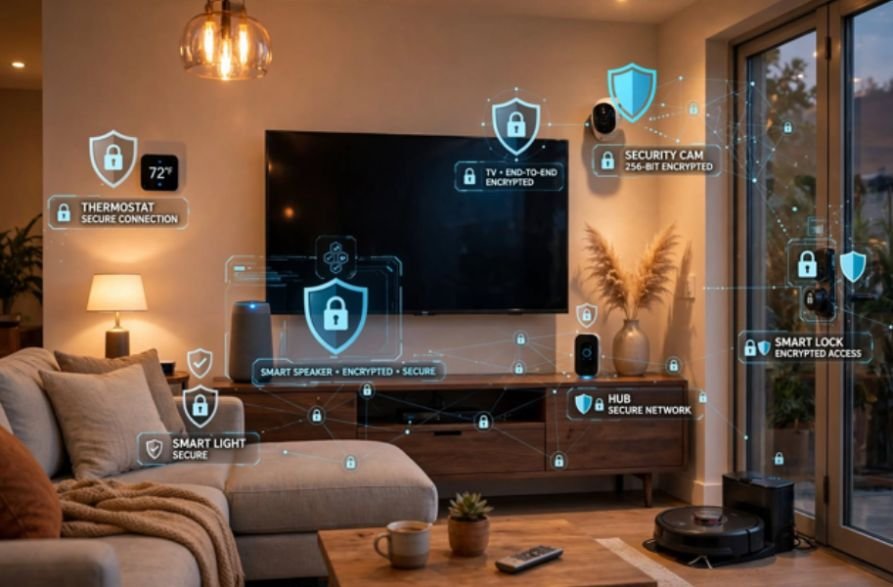
This is what I do weekly. It takes less than a minute. I open my router app, check for unknown clients, and glance at my password manager’s security alerts. Once a month I review device logs for odd activity like cameras accessing at 3 a.m.
7. Bonus: What To Do If You Think You’ve Been Hacked
Disconnect the device from Wi-Fi immediately. Change its password from another clean device. Check your router for unknown port forwarding rules. Factory reset the compromised gadget and update firmware before reconnecting.
| Authoritative Source | What It Covers |
| NIST Cybersecurity Guidance | Federal best practices for IoT privacy and patching |
| CISA Home Network Security | How segmentation and firewalls block lateral movement |
| McAfee Smart Home Guide | Consumer steps for router hardening and MFA |
| FTC IoT Security Tips | What to look for in privacy policies and brand trust |
Final Lockdown
You don’t need to be a hacker to beat one. Segment your network, kill default passwords, force updates, and buy devices that respect local control. I did it after a scare, and my network has been clean for 11 months. Start with your router tonight. Your future self will thank you.
Frequently Asked Questions
1.How often should I update smart home firmware to stay safe from hackers?
Enable auto-updates and manually check on the first Sunday of each month.
2. What is the most secure Wi-Fi encryption for smart homes?
WPA3 is strongest, WPA2-AES is the minimum you should accept.
3. Can a hacked smart bulb really access my laptop?
Yes, if both are on the same flat network without segmentation, attackers can pivot.
4. Do I need antivirus for my smart home devices?
No, you need network-level protection, strong passwords, and regular firmware patches.









3 comments on “How to Secure Smart Home Devices from Hackers: My 7-Step Home-Tested Plan”