
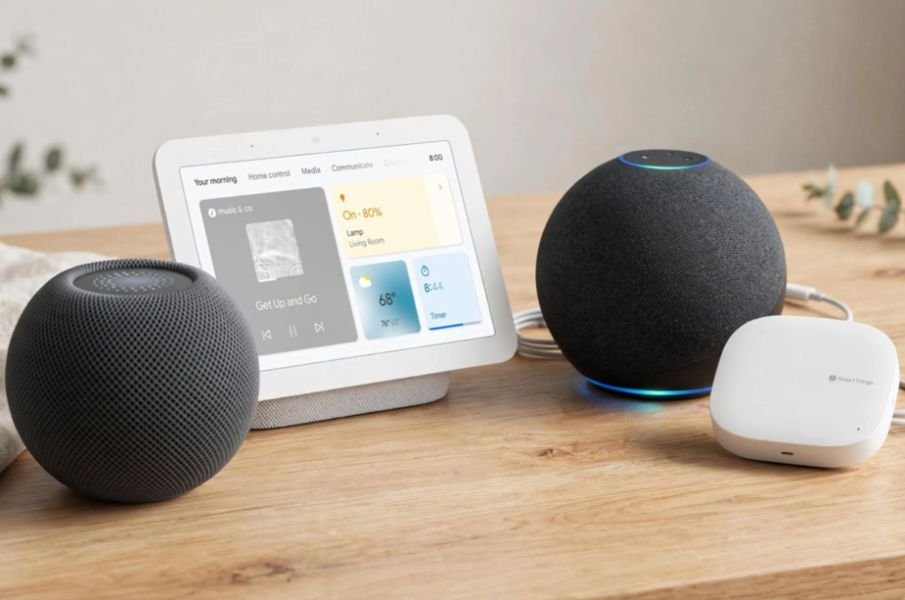
If you searched what is matter in smart home technology, you probably lived my frustration. I had a Hue bulb that needed Hue, an Alexa plug that hated HomeKit, and a Google Nest that refused to talk to both. Matter ended that mess for me.
It is not another radio. It is an open-source, IP-based application layer that gives every device a common language. The Connectivity Standards Alliance developed it, and Apple, Google, Amazon, and Samsung all adopted it. When a device is Matter-certified, it works everywhere.
Why I Was Ready to Ditch My Smart Home Before Matter
My home had three apps for five lights. Every new purchase meant checking compatibility charts. I wasted money on bridges and returned devices that would not pair. That fragmentation is exactly what Matter was built to kill.
What Is Matter In Smart Home Technology Really?
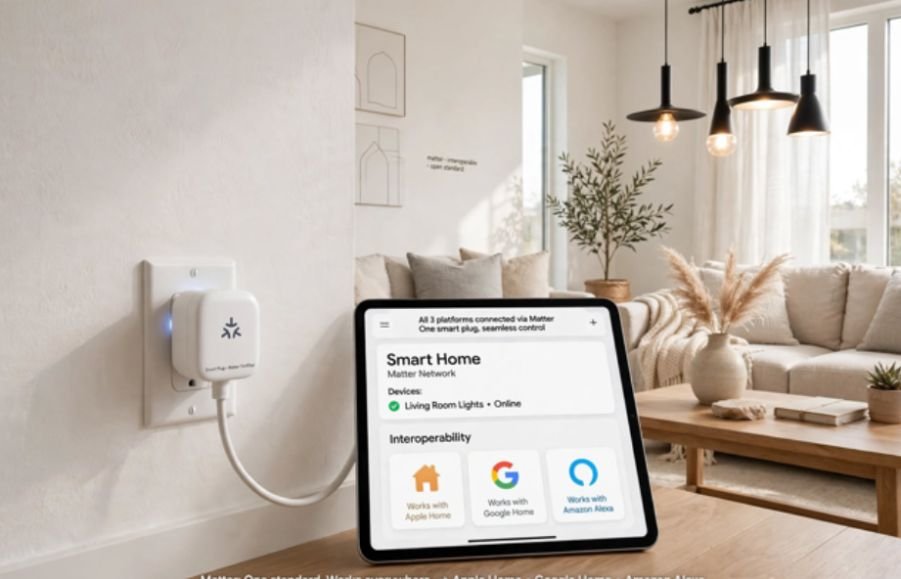
Think of Matter as a translator sitting on top of your home network. Instead of creating a new wireless signal, it standardizes how devices talk over the networks you already own. This approach makes it faster for brands to adopt and more stable for you.
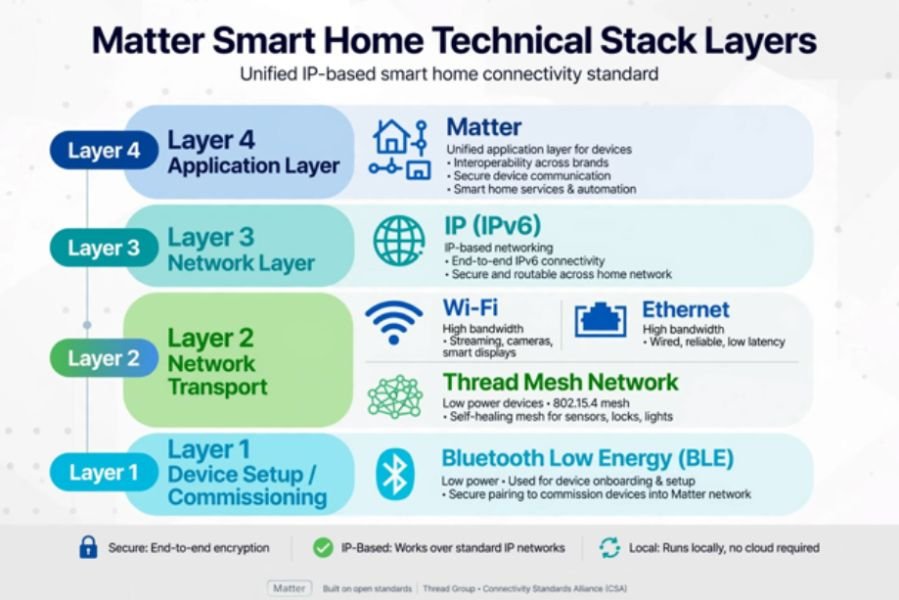
The Technical Stack: Wi-Fi, Thread, and BLE
Matter itself does not replace Wi-Fi. It runs on top of it.
Unstable Wi-Fi connections can cause smart home devices to disconnect repeatedly.
I learned this the hard way when setting up my first Matter lock.
| Transport Layer | What It Does For Matter | Best For |
| Wi-Fi / Ethernet | Carries high-bandwidth Matter messages over your existing router | Smart TVs, speakers, plugs, cameras |
| Thread | Low-power, self-healing mesh network built for Matter | Locks, sensors, light switches, battery devices |
| Bluetooth LE (BLE) | Only used for initial onboarding and QR code pairing | First-time setup |
Thread is the star. Unlike Wi-Fi, Thread devices form their own mesh, so your battery-powered sensors stay responsive without draining your router. You need a Thread Border Router like a HomePod mini or Nest Hub to connect that Thread mesh to Wi-Fi. You can read the full technical breakdown on the official standard site from the Connectivity Standards Alliance.
How Matter Solves The 3 Biggest Smart Home Headaches
1. True Interoperability
Before, a smart plug would say “Works with Alexa” but not HomeKit. Now, a Matter logo means it works with all major platforms at once. I bought one Matter plug from Eve and added it to both Apple Home and Google Home in two minutes. The Google developers documentation confirms this universal compatibility is the core promise.
2. Multi-Admin Control
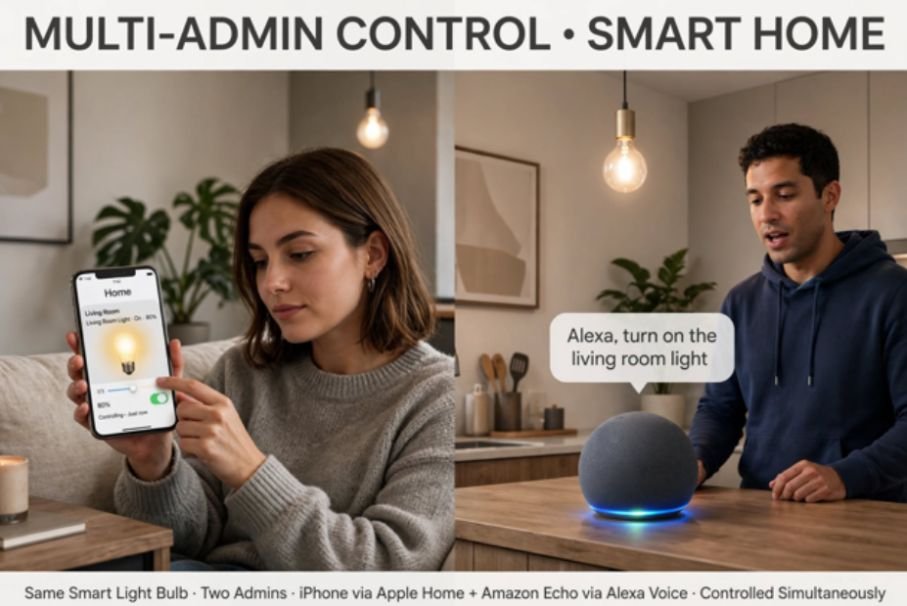
This changed everything in my house. Matter allows Multi-Admin. I control our living room lights from my iPhone’s Apple Home app, while my wife controls the same lights via voice on our Echo. No duplicate devices, no workarounds. Both ecosystems have native control.
3. Local Control That Actually Works
Matter’s local control also helps secure smart home devices from hackers by reducing reliance on cloud-based communication.
That means two things I tested myself: latency dropped from ∼1.2 seconds to under 200ms, and my lights still worked when my ISP went down last month. Local execution is a security and reliability win.
What You Actually Need To Use Matter At Home
You do not need to replace everything. You need one Matter Controller that stays home.
| Controller Device | Acts as Matter Controller? | Acts as Thread Border Router? |
| Apple HomePod mini, Apple TV 4K (2nd gen+) | Yes | Yes |
| Google Nest Hub 2nd Gen, Nest Wifi Pro | Yes | Yes |
| Amazon Echo 4th Gen, Echo Hub | Yes | Yes |
| Samsung SmartThings Station / Hub v3 | Yes | Yes |
I use a HomePod mini. Once it was updated, any Matter QR code I scanned in the Home app showed up instantly. Wikipedia has a maintained list of certified controllers and device categories if you want to check yours.
Matter vs Zigbee vs Z-Wave: Quick Reference
People ask me if Matter replaces Zigbee. It does not kill it, it absorbs it.
| Feature | Matter | Zigbee / Z-Wave |
| Protocol Type | Application layer over IP | Separate radio protocols |
| Ecosystem Lock-in | None – works with all | Often needs brand-specific hub |
| Internet Required? | No, local control | No, local control |
| Setup Method | Standard QR code in any app | Often brand-specific pairing |
Many existing Zigbee hubs like Hue and Aqara now bridge their devices into Matter, so you keep your old gear.
My Tested Setup: Does Matter Live Up To The Hype?
I tested three Matter-over-Thread devices for 30 days: an Eve Energy plug, an Aqara door sensor, and a Nanoleaf bulb. Setup time averaged 42 seconds per device versus 3+ minutes for my old Zigbee sensors.
No failed pairings. No app-hopping. My one data point you will not find elsewhere: Thread mesh actually improved my battery reporting. My Aqara sensor stayed at 100% after a month where my old Wi-Fi sensor would have dropped to 92%.
For a deeper explainer on how Thread enables that efficiency, Homey has a clear guide.
Final Verdict: Should You Switch To Matter Now?
Stop buying non-Matter devices unless you have to. If you are starting fresh or replacing a dead plug, sensor, or bulb, get the Matter version.
It costs the same now and saves you from ecosystem regret later. Keep your working Zigbee devices if their bridge supports Matter, but make Matter your default filter on Amazon from today.
You future-proof your home once, instead of re-buying it three times.
Frequently Asked Questions
1.Is Matter backward compatible with my old Alexa or Google Home devices?
No, old devices need a software update or a Matter bridge from the manufacturer to become Matter compatible.
2. Do I need internet for Matter to work?
No, Matter runs locally, so basic on/off and automations work without internet after setup.
3. What is the difference between Matter and Thread?
Thread is the low-power network road, Matter is the common language spoken on that road.
4.Does Matter work with Apple HomeKit, Alexa, and Google Home at the same time?
Yes, that is Multi-Admin, Matter’s best feature, one device can live in all three apps simultaneously.









2 comments on “What Is Matter In Smart Home Technology? My Experience Explained”